
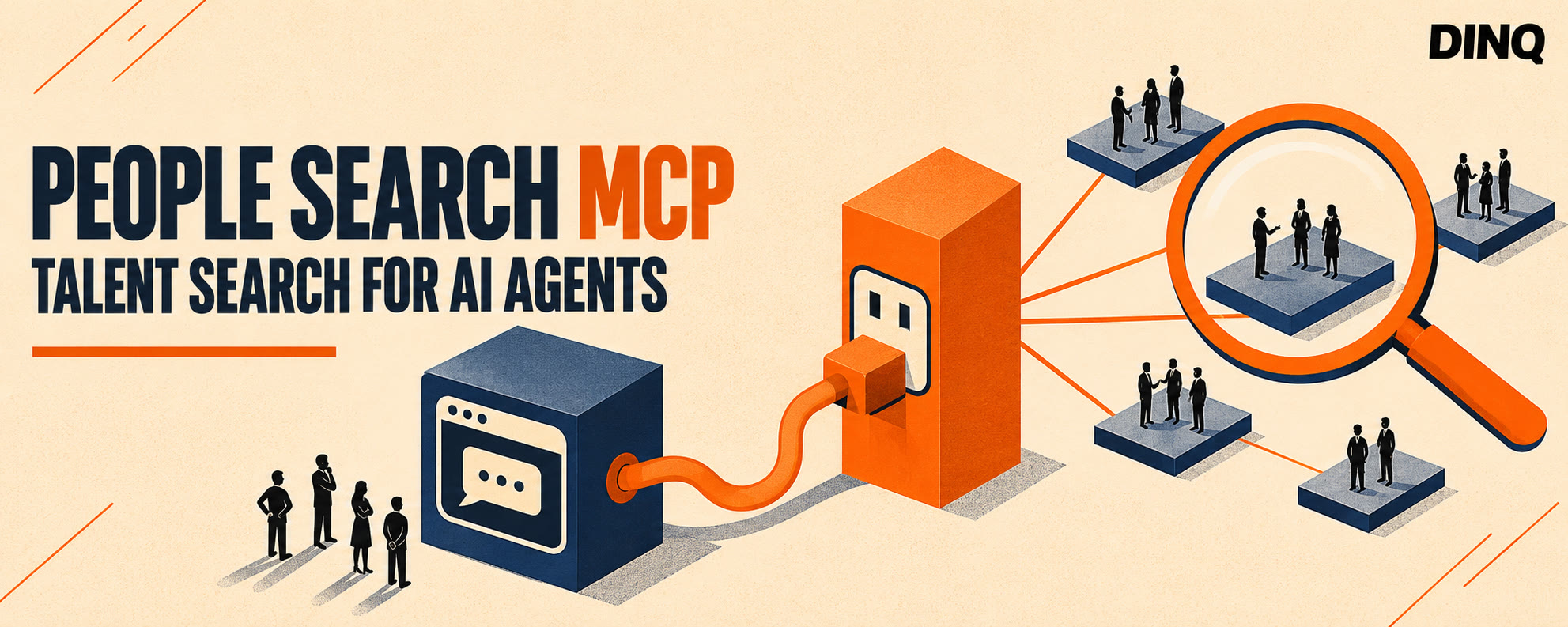
A people search MCP server lets an AI agent such as Claude, Codex, ChatGPT or Cursor find real people for you. You describe who you need in plain language; the agent calls the server's search tools and gets back profiles with links and the evidence behind each match, then keeps working with them: checking, comparing, building a table or drafting outreach.
DINQ runs one for recruiting: a remote MCP server at https://search.dinq.me/mcp. In Codex or Claude Code it takes one pasted prompt or one command to connect, and from then on your agent can search for developers, researchers, model builders and other professionals without you leaving the chat. You pay only for searches that find people, with credits from a DINQ plan that starts at $49 a month.
This guide covers what a people search MCP is, what working with one looks like in Codex and Claude Code, what DINQ's server does and costs, how to set it up, prompts that work, how to read the results, and how it compares with "LinkedIn MCP" servers and other recruiting MCPs.
What is MCP?
The Model Context Protocol (MCP) is an open standard for connecting AI applications to outside tools and data. An MCP server offers a set of tools; an MCP client, such as Claude Code, Codex, Claude Desktop or Cursor, makes them available to the model. The model decides when to call a tool, and you see the result in the conversation.
For recruiting, that means the search happens inside the same conversation where you wrote the brief, so the agent can act on the results straight away.
Why recruiters use a people search MCP
- One place for the whole task. Brief, search, checking, a tiered shortlist and a client-ready summary in one conversation, instead of copying between a search tool, a spreadsheet and a chat window.
- The agent can combine sources. It can search DINQ, read a candidate's public pages with web search, and use files you upload, such as a list you exported earlier.
- Searches run one platform at a time, so you can ask for GitHub contributors to one project, researchers at one lab, and professionals at one company, and get each answered by the right tool.
- The output is whatever you need. A CSV, a ranked table with reasons, an email draft per candidate, or a slide outline for a client.
What it's like in Codex and Claude Code
Setup is one step. In DINQ's API Playground, switch to MCP mode, pick Codex or Claude Code, and copy the instructions: your API key is already in them. Paste them into a new chat. Codex writes the server entry into its own configuration and installs DINQ's find-people skill, which teaches it which tool fits which request and how to report what it found. In Claude Code you can paste the same kind of prompt, or run one claude mcp add command yourself. Restart, open a new conversation, and ask the agent to call dinq_capabilities to confirm the tools are there.
Then you just describe the role. A typical session:
- You paste a brief: "ML engineers in the Bay Area who have shipped LLM serving code; ideally a paper or two on inference."
- The agent picks the tools itself: GitHub search for the serving code, Google Scholar search for the papers. You don't name a tool or write a query string.
- Each result comes back as a profile link with the evidence behind the match: the repository, the paper, the current role.
- The agent checks that evidence against your brief, uses web search to confirm anything that looks out of date, and marks what it couldn't confirm.
- You keep going in the same chat: "drop anyone outside the Bay Area", "rank by inference work", "draft a three-line note to the top five that mentions their repo", "save this as a CSV". The people are already in the conversation, so none of these steps needs a new search.
Why this beats switching tabs. The agent already has your files, web search and the rest of your work. Codex and Claude Code can write the shortlist straight into a CSV or a doc in your project, run the same brief again next week, or merge a list you exported earlier with fresh results. If the agent needs a result it fetched earlier, dinq_billing_status returns it without charging again.
What DINQ's MCP server gives your agent
DINQ finds people by scenario, with one search tool per platform. The tools most used for recruiting:
| Looking for | Tool | Useful extra fields |
|---|---|---|
| Developers | github_find_developers | |
| Model and dataset builders | huggingface_find_builders | |
| Researchers and scholars | scholar_find_researchers | affiliation |
| Professionals at a company or in a place, from public LinkedIn profiles | linkedin_find_professionals | company, location |
There are also tools for finding creators, KOLs and experts on social platforms. Every search tool takes query, the full requirement in your words, and limit, from 1 to 20 people. Two tools never run a paid search: dinq_capabilities lists the sources configured for your account, and dinq_billing_status shows the result and charge of an earlier call.
Each result has an outcome of hit, miss or error. people are candidates backed by a profile, each with a link and the evidence for the match; leads are mentions that haven't been confirmed as a person.
What it costs
MCP access comes with DINQ's paid plans; there is no separate MCP subscription and no per-seat fee for the agent.
| Plan | Price | Credits |
|---|---|---|
| Basic | $49/month ($42/month billed yearly) | 5,000 credits/month |
| Pro | $199/month ($169/month billed yearly) | 20,000 credits/month |
| Enterprise | Contact sales | Custom |
- You pay for hits only. A search that finds people uses credits from the personal DINQ account linked to the API key. Misses, errors, connection checks and leads without a candidate profile are free. Partial results are charged when they include candidates.
- No fixed price per search. The cost depends on the platform and the query. Check your balance in DINQ before running searches in bulk.
- Keep it cheap: start with a
limitof 10 to 20, search one company or lab at a time, check a small sample before scaling up, and let the agent rework results already in the conversation instead of searching again.
Prices as published on the pricing page, checked on 26 November 2026.
Set it up in five minutes
1. Create an API key. API access is on DINQ's paid plans. Sign in to DINQ, open Settings, then API Keys, and create a key. Keep it private: it is charged for every successful search.
2. Add the server to your client. The server uses Streamable HTTP, and the key goes in an Authorization header, never in the URL.
Claude Code:
claude mcp add --transport http dinq https://search.dinq.me/mcp --header "Authorization: Bearer <DINQ API key>"
Cursor and other clients that use an mcpServers JSON file:
{
  "mcpServers": {
    "dinq": {
      "url": "https://search.dinq.me/mcp",
      "headers": { "Authorization": "Bearer <DINQ API key>" }
    }
  }
}
Codex: paste one prompt and Codex installs the server and the find-people skill for you. The prompt is on the Codex guide; WorkBuddy has its own guide, and Claude Code users can follow the Claude Code guide. Any other MCP client: add a remote Streamable HTTP server with the same URL and header.
3. Restart and check. Clients read their MCP settings when they start, so restart the client, open a new conversation and ask it to call dinq_capabilities. It is free, and it confirms the tools are there.
Prompts that work
Say who you need, where, and what counts as evidence. Ask the agent to keep what it found separate from what it guessed.
Use DINQ to find 15 ML engineers in the San Francisco Bay Area who have
shipped LLM inference or serving code in public repositories. For each one,
give the profile link, the repository that shows the work, and one line on
why they fit. Mark anything you could not confirm.
Use DINQ to find researchers publishing on speech recognition who are
affiliated with Carnegie Mellon University. List name, affiliation, two
recent papers and a profile link. Then use web search to check whether
each one is still at CMU.
Use DINQ to find staff-level backend engineers currently at Stripe,
based in Seattle. Search one company at a time. Put the results in a
table and leave a dash where data is missing. Never invent a link.
Tips:
- Search one company or one lab at a time. Results are noticeably better than one search across ten companies.
- Start with 10 to 20 people, check the format, then scale up.
- Let a search finish. If a call fails or comes back partial, ask the agent to explain the status before repeating it.
Check the results before you use them
A hit means profiles were found, not that every person meets every condition. Ask your agent to check the evidence against the brief and to say what is still unverified. Treat leads as starting points, not candidates. DINQ finds email addresses; it doesn't promise every address is deliverable, so check before you send at volume. For the full workflow from brief to client deliverable, see how to build a talent mapping.
If the tools don't show up:
- Check the server is registered:
claude mcp list,codex mcp list, or your client's connector list. - Restart the client after adding the server. This is the most common cause.
- Check the endpoint is reachable:
curl -sS -o /dev/null -w '%{http_code}' -X POST https://search.dinq.me/mcpshould print401, which means the service is up and wants a key. - A
401with a key configured means the key is missing, cut off or deleted in your DINQ account.
What about a "LinkedIn MCP"?
Many people searching for an MCP for recruiting look for a LinkedIn one first. Two things to know:
- LinkedIn's own connector in Claude posts jobs; it doesn't search people. LinkedIn Hiring Pro helps eligible members draft and post one free job from Claude. It does not create paid jobs, edit existing jobs or manage applicants.
- To find people who have public LinkedIn profiles from your agent, DINQ's professionals search includes them, alongside GitHub, Google Scholar, Hugging Face and personal websites. For engineers and researchers, the strongest evidence is often outside LinkedIn, in code and papers, so search those too.
Other recruiting MCP servers
Several recruiting platforms now offer MCP servers for their own customers. As published on their websites:
| Server | What it does | How you connect | Cost as published |
|---|---|---|---|
| DINQ | People search by platform: developers, researchers, model builders, professionals | DINQ API key, Streamable HTTP | Paid plans from $49/month; only searches that find people are charged |
| SeekOut MCP | Brings SeekOut's 1B+ profiles into Microsoft 365 Copilot, ChatGPT, Claude, Gemini and Amazon Quick | Sign in with a SeekOut account | Not stated on the MCP page |
| Pin MCP | Runs Pin's search, candidate review, ranking and job memory, with 10 tools | OAuth with a Pin account | Free on every paid Pin plan |
| LinkedIn Hiring Pro | Drafts and posts one free LinkedIn job from Claude | Claude connector | Free job post |
If you already pay for SeekOut or Pin, their MCP is the natural place to start. DINQ's server suits teams that want to search for engineers and researchers by their public work from any MCP client, with pay-as-you-search credits.
FAQ
What is a people search MCP server? An MCP server whose tools find people. Your AI agent sends a description of who you need, and the server returns matching profiles with links and evidence that the agent can check and organise.
What is a recruiting MCP? Any MCP server built for hiring work: searching for candidates, reviewing them, running outreach or posting jobs from an AI assistant. DINQ, SeekOut and Pin offer search; LinkedIn Hiring Pro posts jobs.
Is there an official LinkedIn MCP server for finding people? We found none that searches members, as of 26 November 2026. LinkedIn's connector in Claude, LinkedIn Hiring Pro, drafts and posts one free job.
Can DINQ's MCP server find people on LinkedIn? Yes. Public LinkedIn profiles are among DINQ's sources, alongside GitHub, Google Scholar, Hugging Face and personal websites. Use the professionals search with a company or location.
Which AI clients work with DINQ's MCP server? Any client that supports remote MCP servers over Streamable HTTP, including Claude Code, Codex, Cursor and WorkBuddy. Step-by-step guides are under Guides.
How much does DINQ's MCP server cost? MCP access comes with DINQ's paid plans, from $49 a month for 5,000 credits. Only searches that find people are charged; connection checks, misses and errors are free. There is no separate MCP fee or per-seat fee.
Do I need to write code? No. You add the server once, by command or by pasting a prompt, and then talk to your agent in plain language.
Where does my API key go?
Only into your client's MCP configuration, as an Authorization header. Don't put it in the URL, and don't paste it into scripts that call the endpoint directly.
Sources
Checked on 26 November 2026.
- DINQ: connection instructions, Codex install steps, find-people skill and pricing
- Model Context Protocol: introduction
- Claude Code docs: Connect Claude Code to tools via MCP
- Claude: LinkedIn Hiring Pro connector
- SeekOut: SeekOut MCP; Pin: Pin MCP
Related reading
- AI in recruiting: what an AI recruiter does, and the main tool types
- Best AI sourcing tools for recruiters in 2026
- GitHub sourcing: how to find software and ML engineers on GitHub
Create a DINQ API key and connect your agent.