
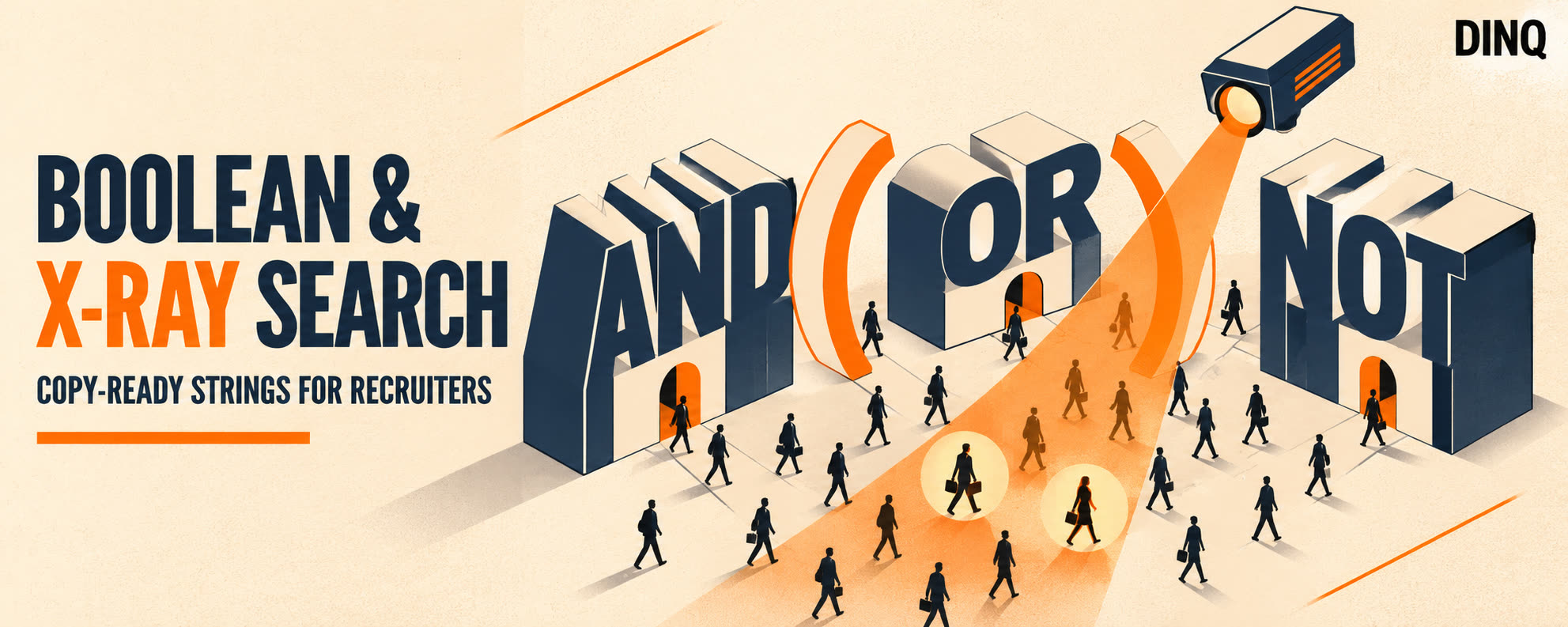
Boolean search is a way to tell a search engine exactly which words a result must have, may have, and must not have. On LinkedIn, you type the operators AND, OR and NOT in capital letters, put exact phrases in straight quotes, and group alternatives in parentheses. Google X-ray search uses the same idea on Google: site:linkedin.com/in plus your keywords finds public LinkedIn profiles without a Recruiter seat.
This guide gives you the operators, a step-by-step way to build a string, 14 copy-ready strings for technical roles, and the limits that trip people up.
Short answer
- LinkedIn Boolean search:
("machine learning engineer" OR "ML engineer") AND PyTorch NOT internin the LinkedIn search bar, or in the Keywords and Job titles fields of Recruiter. - Google X-ray search:
site:linkedin.com/in ("machine learning engineer" OR "ML engineer") PyTorch "San Francisco"in Google. - Operators on LinkedIn must be in capitals. LinkedIn reads quotes first, then parentheses, then NOT, then AND, then OR.
- LinkedIn does not support wildcards (
*), brackets or braces, and does not officially support+and-.
Boolean and X-ray operator cheat sheet
| Operator | What it does | Example | ||
|---|---|---|---|---|
AND | Every term must appear | Yes, in capitals | Implied between words; no need to type it | Python AND Kubernetes |
OR | Any of the terms may appear | Yes, in capitals | Yes, in capitals | "ML engineer" OR "machine learning engineer" |
NOT | Leaves a term out | Yes, in capitals, right before the term | Use - instead | NOT intern |
" " | Exact phrase | Yes; use straight quotes | Yes | "research scientist" |
( ) | Groups terms | Yes, the only grouping symbol LinkedIn recognizes | Not documented by Google; keep them for readability, but don't rely on them for logic | (Go OR Rust) |
- | Leaves a word out | Not officially supported; use NOT | Yes, directly before the word | -recruiter |
site: | Only results from one site, domain or URL prefix | No | Yes, no space after the colon | site:linkedin.com/in |
intitle: | Word must be in the page title | No | Not on Google's current operator list; Advanced Search offers the same filter ("terms appearing in the title of the page") | intitle:"data scientist" |
inurl: | Word must be in the URL | No | Not on Google's current operator list; Advanced Search offers the same filter ("in the URL of the page") | inurl:citations |
filetype: | Only one file type | No | Yes | filetype:pdf |
after: / before: | Pages last updated after or before a date | No | Yes | after:2025-06-01 |
LinkedIn's help pages don't list NEAR or any proximity operator, so don't rely on it.
Where Boolean works on LinkedIn
Free LinkedIn and Premium. Type the string in the main search bar at the top of LinkedIn.com. LinkedIn caps the number of Boolean operators in one query here, but doesn't publish the number.
Sales Navigator. Boolean works in the Keywords, Company and title fields, with a maximum of 15 Boolean operators per search.
Recruiter and Recruiter Lite. Boolean works in Keywords and in these filters: Job titles, Location, Companies, Skills and Assessments, Schools, Industries and Spoken languages. The Project filter doesn't support it. Quoted phrases work in Job titles, Companies and Keywords. There is no limit on the number of operators. If you're deciding whether a Recruiter seat is worth it, see our breakdown of LinkedIn Recruiter pricing.
Natural-language search. LinkedIn's people search also accepts plain-language queries such as "finance leaders at nonprofits in Boston". LinkedIn's help says this mode does not support quotes and points to Boolean search when you need exact keyword matching.
How to build a Boolean string, step by step
1. Write down the role in plain words. "Backend engineer, Go or Rust, has worked on distributed systems, not a frontend developer."
2. List the titles people actually use. One role has many titles. A backend engineer may call themselves "backend engineer", "back end engineer", "software engineer" or "platform engineer". Put each multi-word title in quotes and join them with OR inside parentheses:
("backend engineer" OR "back end engineer" OR "platform engineer")
3. Add the must-have skills as a second group. Join the groups with AND:
("backend engineer" OR "back end engineer" OR "platform engineer") AND (Golang OR Rust)
4. Add a third group only if it really matters. Each AND group shrinks the results. "Distributed systems" is a reasonable third group for this role:
("backend engineer" OR "back end engineer" OR "platform engineer") AND (Golang OR Rust) AND ("distributed systems" OR Kubernetes)
5. Exclude what keeps showing up. Run the search, look at the first page, and remove the noise with NOT:
("backend engineer" OR "back end engineer" OR "platform engineer") AND (Golang OR Rust) AND ("distributed systems" OR Kubernetes) NOT (frontend OR intern OR recruiter)
6. Move what you can into filters. Location, current company and school belong in filters, not in the keyword string. LinkedIn's Recruiter help notes that too many facets in one Boolean query can cause problems with results, and suggests moving items into dedicated fields.
7. Save the string. Keep it in a text file so you can reuse it and adjust it role by role.
LinkedIn Boolean search strings for technical roles
Paste these into the LinkedIn search bar, or the Keywords field in Recruiter or Sales Navigator. On free LinkedIn, the shorter strings are less likely to hit the operator cap.
1. Machine learning engineer
("machine learning engineer" OR "ML engineer" OR "applied scientist") AND (PyTorch OR TensorFlow) NOT (intern OR student)
2. AI research scientist
("research scientist" OR "AI researcher" OR "research engineer") AND ("large language models" OR LLM OR "reinforcement learning") AND PhD
3. Backend engineer
("backend engineer" OR "back end engineer" OR "software engineer") AND (Golang OR Rust) AND ("distributed systems" OR Kubernetes) NOT (frontend OR "front end")
4. Data scientist
("data scientist" OR "machine learning scientist") AND Python AND ("causal inference" OR "A/B testing" OR experimentation) NOT (recruiter OR "talent acquisition")
5. MLOps and ML platform engineer
(MLOps OR "ML platform" OR "ML infrastructure") AND (Kubeflow OR Ray OR Airflow OR MLflow)
6. Recruiter Job titles field only
"machine learning engineer" OR "ML engineer" OR "deep learning engineer" OR "computer vision engineer"
Google X-ray search strings
X-ray search means using Google to search inside one site. Paste these into Google, not LinkedIn.
7. ML engineers on LinkedIn, one city
site:linkedin.com/in ("machine learning engineer" OR "ML engineer") PyTorch "San Francisco Bay Area" -intern
8. AI researchers on LinkedIn who list top conferences
site:linkedin.com/in ("research scientist" OR "AI researcher") (NeurIPS OR ICML OR ICLR) PhD
9. Backend engineers on LinkedIn
site:linkedin.com/in "backend engineer" (Golang OR Rust) Kubernetes "New York" -recruiter
10. Data scientists by job title in the page title
site:linkedin.com/in intitle:"data scientist" "causal inference" Seattle
11. GitHub X-ray for ML engineers
site:github.com ("machine learning" OR "deep learning") "Berlin" followers repositories
Per Google's documentation, site:github.com also covers subdomains, so expect some pages from docs and other GitHub subdomains. For more on finding engineers through their code, see our guide to GitHub sourcing.
12. Google Scholar profiles by research area
site:scholar.google.com "verified email at" ("reinforcement learning" OR "robot learning")
Scholar profile pages show the author's research interests and a "Verified email at" line naming their institution's domain, so this finds people rather than single papers. Only profiles that Google has indexed will appear.
13. arXiv papers from the last year in one field
site:arxiv.org ("speech recognition" OR "automatic speech recognition") ("large language model" OR LLM) after:2025-11-01
after: filters by the date a page was last updated, not the date the paper was first posted. Use the paper's author list as your lead list, then look each author up on LinkedIn, GitHub or their lab page.
14. PhD students' CVs on university sites
site:.edu ("PhD candidate" OR "PhD student") "machine learning" "curriculum vitae" filetype:pdf
Replace .edu with a single university's domain to search one school.
Common mistakes
- Lowercase operators. LinkedIn says AND, OR and NOT must be typed in capitals to work. In the Recruiter Keywords field, lowercase "and", "or" and "not" are on the list of ignored stop words.
- Curly quotes. Strings copied from a document often come with "smart" quotes, which LinkedIn's Sales Navigator help says aren't supported. Paste them through a plain-text editor first so the quotes are straight.
- Wildcards.
engineer*doesn't work on LinkedIn. Write out the variants:engineer OR engineering. +and-on LinkedIn. LinkedIn doesn't officially support them. Use AND and NOT.- Missing parentheses.
"data scientist" OR "ML engineer" AND Pythonis not what you mean, because LinkedIn reads AND before OR. Write("data scientist" OR "ML engineer") AND Python. - Stop words in Keywords. In the Recruiter Keywords field, words like "of", "in", "for" and "with" are ignored, which can return profiles that don't have your full term. Put titles like "head of data" in the Job titles field instead.
- A space after
site:.site: linkedin.com/indoesn't work in Google. Writesite:linkedin.com/in. - Too many AND groups. Three groups is usually enough. If you get zero results, remove one group before you start excluding things.
Limits of Boolean and X-ray search
- The commercial use limit. On a free LinkedIn account, searching for profiles counts toward a monthly commercial use limit. LinkedIn doesn't show how many searches you have left. It resets at midnight PST on the first of each month. Premium Business, Recruiter Lite and Sales Navigator raise it.
- X-ray only sees public profiles. Members can hide their public profile from search engines, or hide sections of it. LinkedIn also says search engines can take weeks or months to pick up profile changes, so X-ray results can be out of date.
- Profiles you open from Google. LinkedIn says profile views from outside LinkedIn.com don't count toward the commercial use limit, but if you view many, you may be asked to continue your search on LinkedIn.com.
- Google doesn't return everything. Google's own documentation says
site:results are not always exhaustive and that operators are bound by indexing limits. - Keywords are not skills. A string matches what people wrote, not what they can do. Many strong engineers and researchers have thin LinkedIn profiles; their work is on GitHub, in papers, or on a lab page.
- No contact details. Boolean and X-ray find people. They don't give you a way to reach them.
When Boolean gets too long
If your string has five OR groups, three exclusions and still misses people, the problem is usually that the right signal isn't in the profile text. That's where tools that search across sources help.
DINQ is an AI recruiting platform for finding engineers and researchers. Instead of writing a Boolean string, you describe the person in plain language, for example "ML engineer in Berlin who has shipped speech models and contributes to open-source PyTorch projects", and DINQ searches GitHub, Google Scholar, LinkedIn and 500+ sources, covering 1B+ professionals and 1,000+ universities and labs. There is a free plan with 500 credits (one time); paid plans are $49/month (Basic) and $199/month (Pro). It works alongside Boolean: many teams keep their best strings for LinkedIn and use DINQ for the roles where strings stop working.
FAQ
Does LinkedIn support Boolean search? Yes. LinkedIn supports AND, OR, NOT, quotes and parentheses in the main search bar, and in Sales Navigator, Recruiter and Recruiter Lite. Operators must be typed in capital letters.
Is LinkedIn Boolean search case-sensitive? The operators are: AND, OR and NOT only work in capitals.
Does LinkedIn support wildcards or NEAR? No wildcards: LinkedIn's help says asterisks, braces, brackets and angle brackets are not supported. NEAR isn't listed as an operator on LinkedIn's help pages.
How many Boolean operators can I use on LinkedIn? Free LinkedIn search has a cap that LinkedIn doesn't publish. Sales Navigator allows 15 per search. Recruiter and Recruiter Lite have no limit.
What is X-ray search?
X-ray search is using Google's site: operator to search inside one website, such as site:linkedin.com/in for LinkedIn profiles or site:github.com for GitHub. It finds public pages without logging in to that site.
Is Google X-ray search of LinkedIn free? Yes. It costs nothing and doesn't need a LinkedIn account to run the search. It only returns profiles that members have made public and that Google has indexed.
What's the difference between Boolean search and X-ray search?
Boolean is the logic: AND, OR, NOT, quotes and parentheses. X-ray is where you run it: on Google, limited to one site with site:. Most X-ray strings use Boolean logic.
What is the best Boolean string for software engineers?
Start with a title group, a skills group and a short exclusion list, for example ("backend engineer" OR "software engineer") AND (Golang OR Rust) NOT (frontend OR intern), then adjust after you see the first page of results.